
Joining an activity
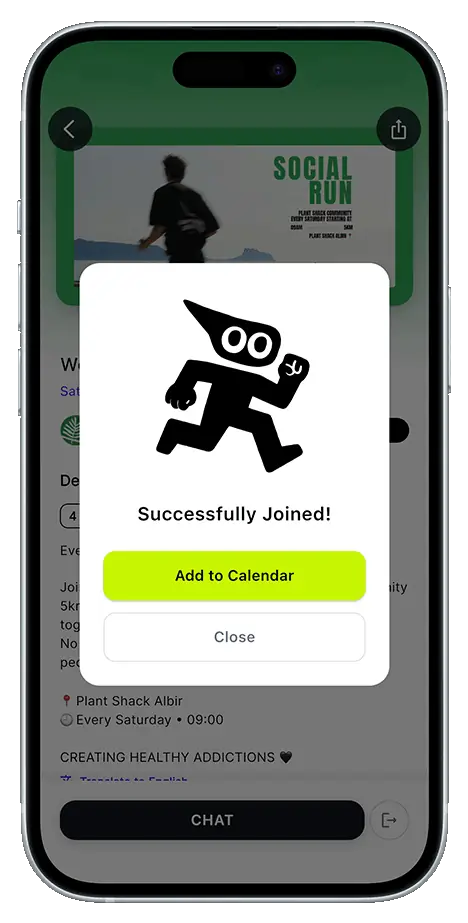
Pick the activity, confirm your spot and you are in. If it is a paid activity, you pay on the spot with card, Apple Pay or Google Pay. If spots are limited, Kibi keeps count and tells you when it fills up; if the club reviews requests by hand, you will see the status of yours.
What it includes
- Limited spots and waiting list
- Pay with card, Apple Pay or Google Pay
- Discount codes, by percentage or free entry
- Automatic approval or reviewed by the club
- Different ticket types and add-on supplements
- Transfer your spot to someone else
Step by stepHow it works
Step by step, from start to finish.
Pick the activity
From your home feed, the search tab or a link the club shared with you.
Choose your ticket type
If the club created several ticket types or supplements, you choose what you want before paying.
Fill in the form, if there is one
Some clubs ask for a T-shirt size, an emergency contact or an estimated finish time when you sign up.
Confirm and pay
Kibi shows you the price breakdown, you apply a discount code if you have one, and it takes you to the secure payment screen, with Apple Pay, Google Pay or card.
Keep your spot
Your spot stays in the app with its QR code for check-in on the day.
Related features
Discover activities
Training sessions, events and races from clubs near you.
Find your club
Join a club and keep its calendar at hand.
Confirmations and updates by email
Your spot confirmed by email, and a heads-up if anything changes.
Ready to try it?
Download Kibi to find who to run with, or create your club and organise everything in one place.
