
All features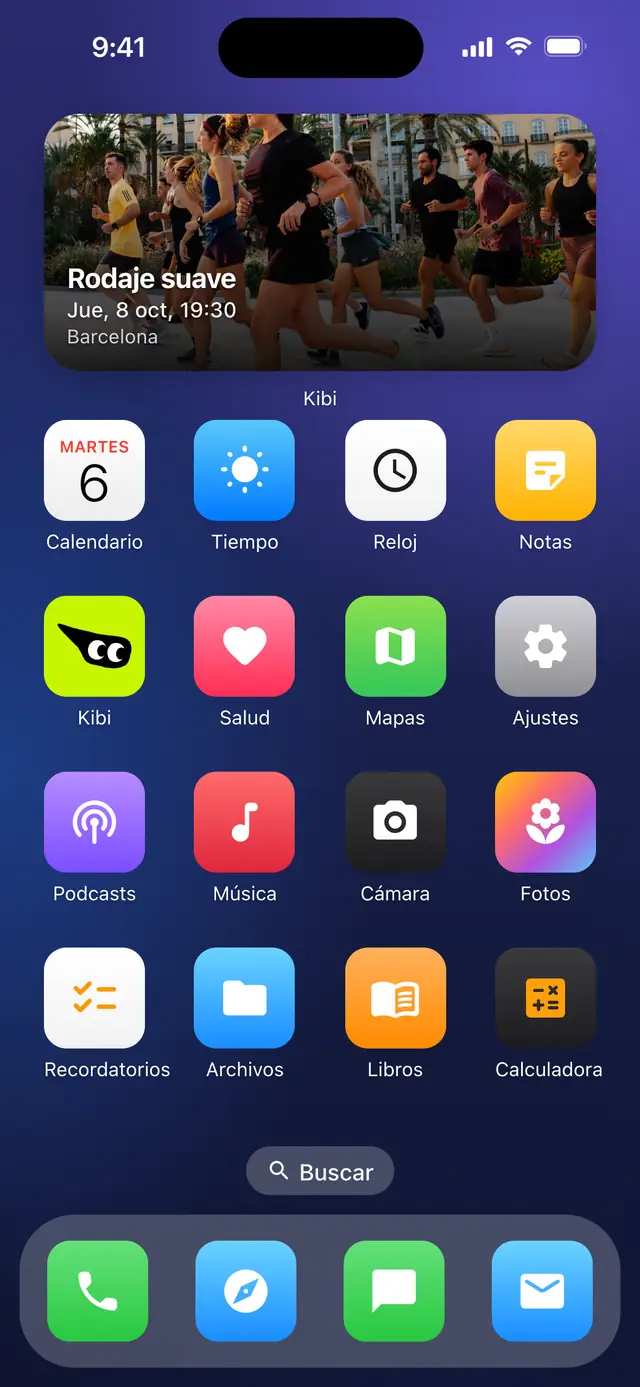
Your next run, as a widget
Add the Kibi widget to your phone home screen and keep what is coming in sight: your next activity with its day and time and, if you have none, the next one your club is organising. A reminder without opening the app.
Where it worksiPhoneAndroid
What it includes
- Your next activity, with its day and time
- Your club next one when you have none
- On your home screen, without opening the app
Step by stepHow it works
Step by step, from start to finish.
01
Press and hold your home screen
Until your phone lets you add widgets.
02
Add the Kibi widget
Find it among the available widgets and choose where to put it.
03
Keep it in sight
It updates on its own with your next run, or your club next one.
Related features
Confirmations and updates by email
Your spot confirmed by email, and a heads-up if anything changes.
Real-time notifications
What happens in your activities, as it happens.
Ticket as PDF or in your Wallet
Download it or keep it in your phone Wallet.
Ready to try it?
Download Kibi to find who to run with, or create your club and organise everything in one place.
